Photoshop + AI Social Media Creative Mastery

Photoshop + AI se portfolio-ready creatives banana seekho

Students, freshers aur beginner freelancers ke liye practical programme jahan aap Meta ad creatives, carousel posts, reels covers, campaign visuals aur portfolio-ready samples banana seekhte ho - random tutorial practice nahi, market-use creative output.

Agar Canva templates edit karne ke baad bhi design average lagta hai, Photoshop open karke confidence nahi aata, ya client/internship ke liye strong samples nahi hain, to problem talent ki nahi - structured workflow aur visual finishing ki hai.

Students Freshers Beginner Freelancers Canva Users SMM / Content Creators
Meta Ad Creatives Carousel Posts Reels Covers Campaign Visuals
Beginner-friendly Hinglish explanation
Photoshop + AI + market sense together
Portfolio-focused practical output
Creative Workflow
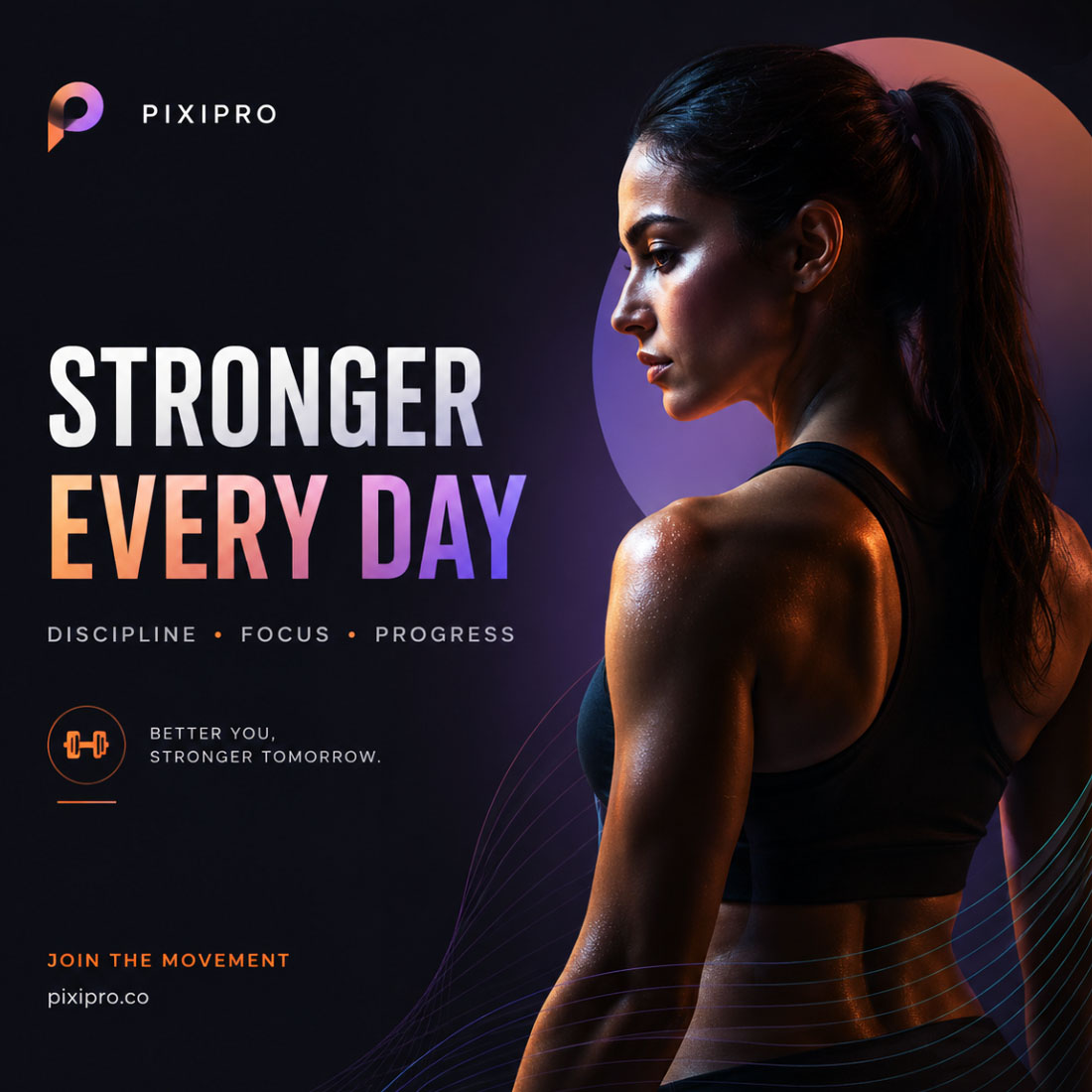
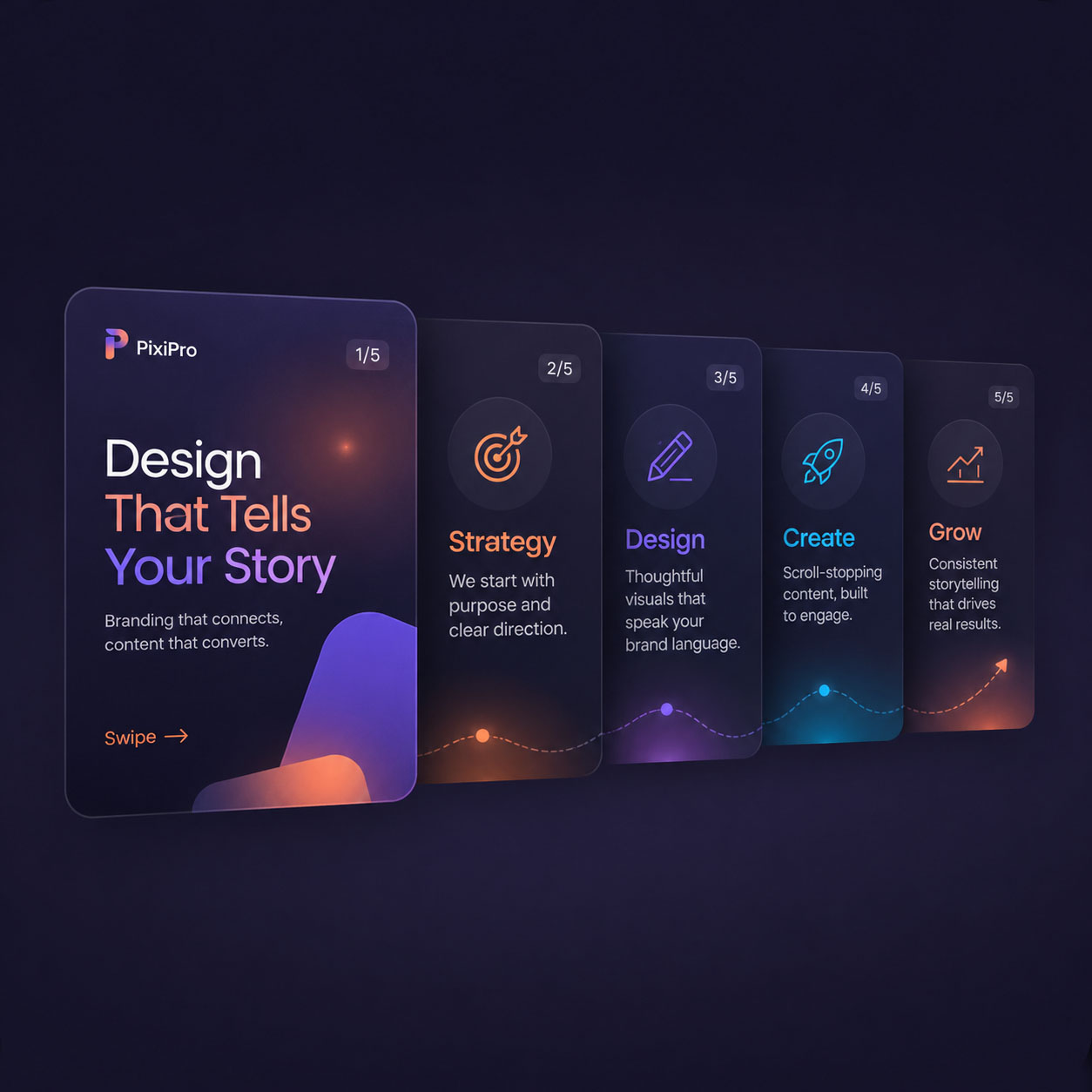
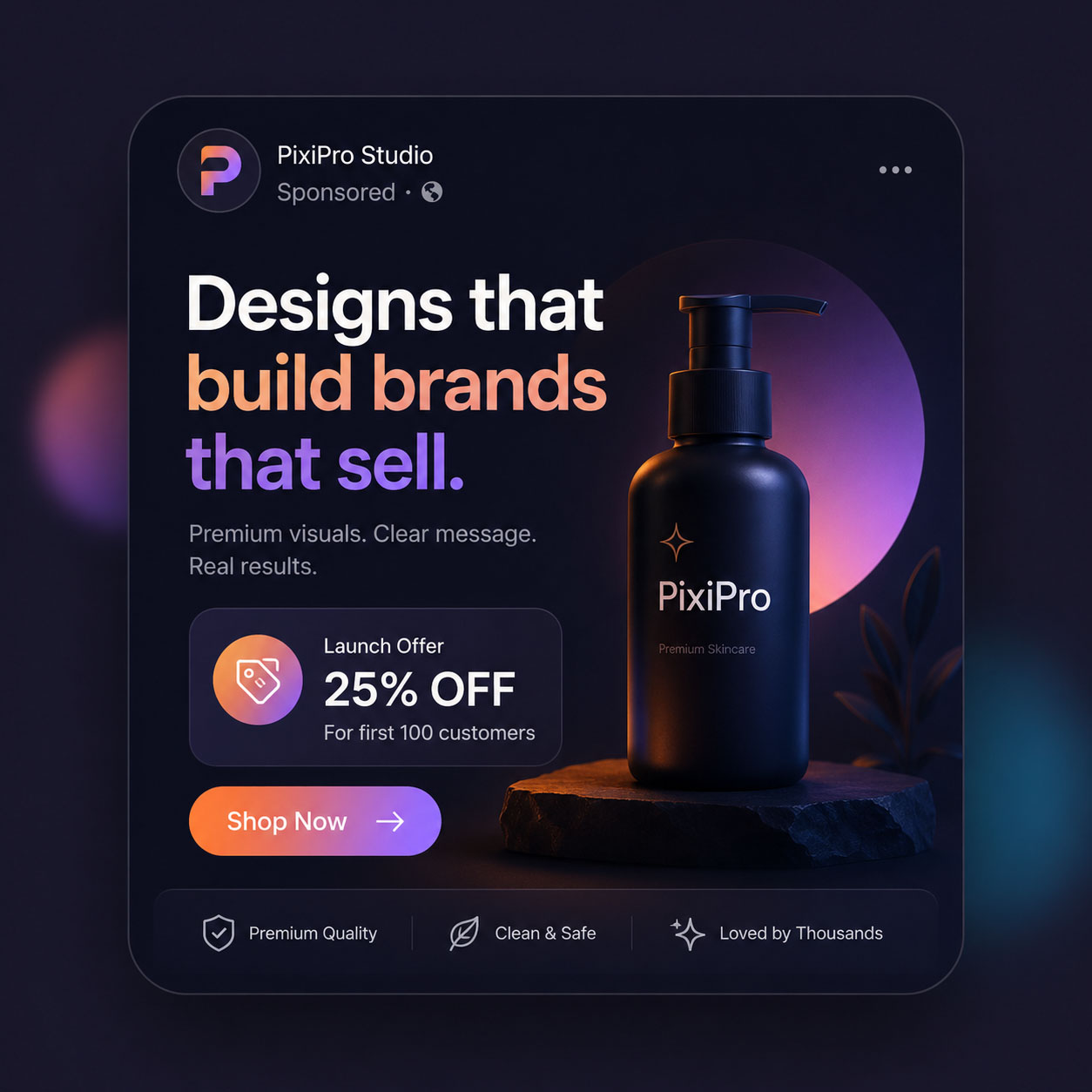
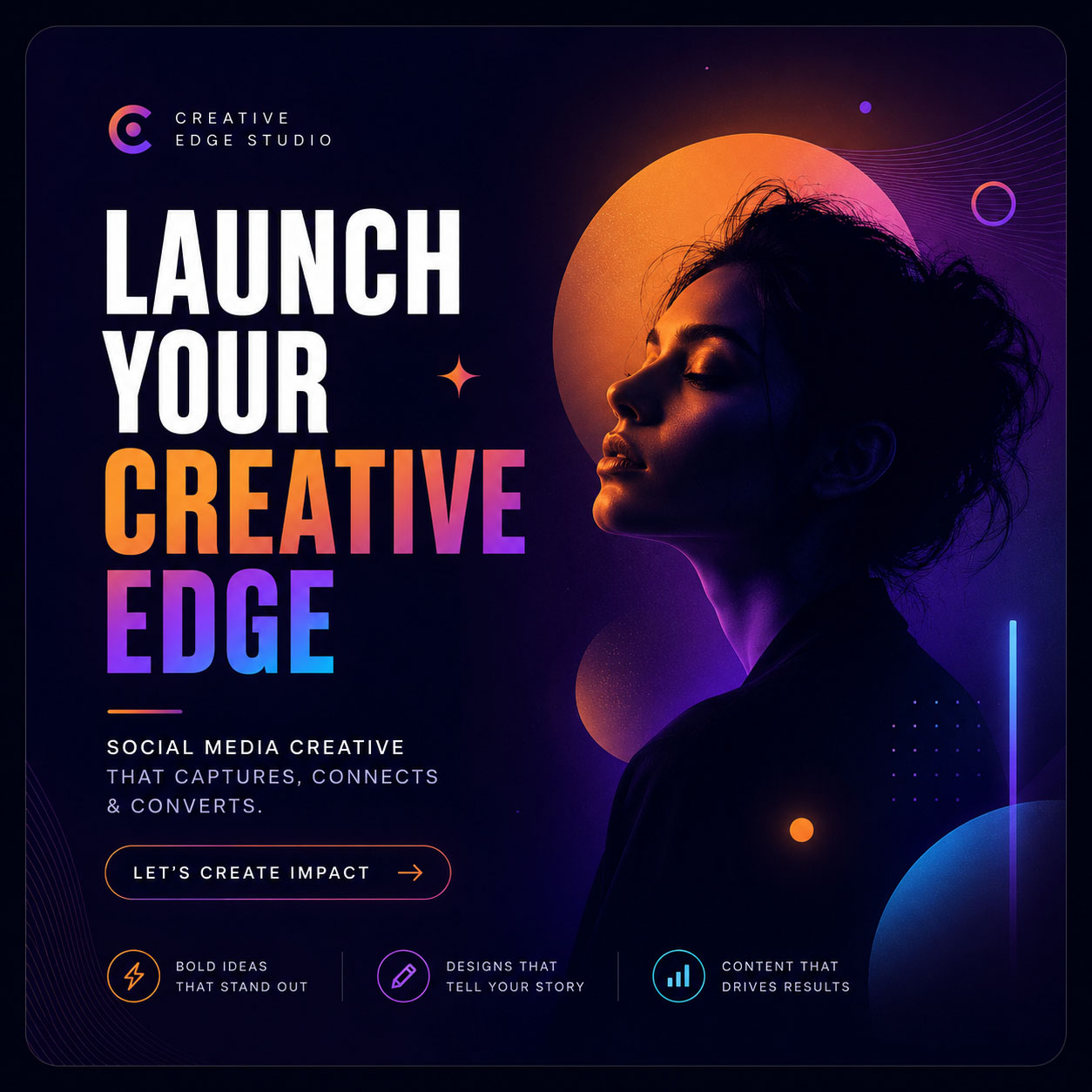
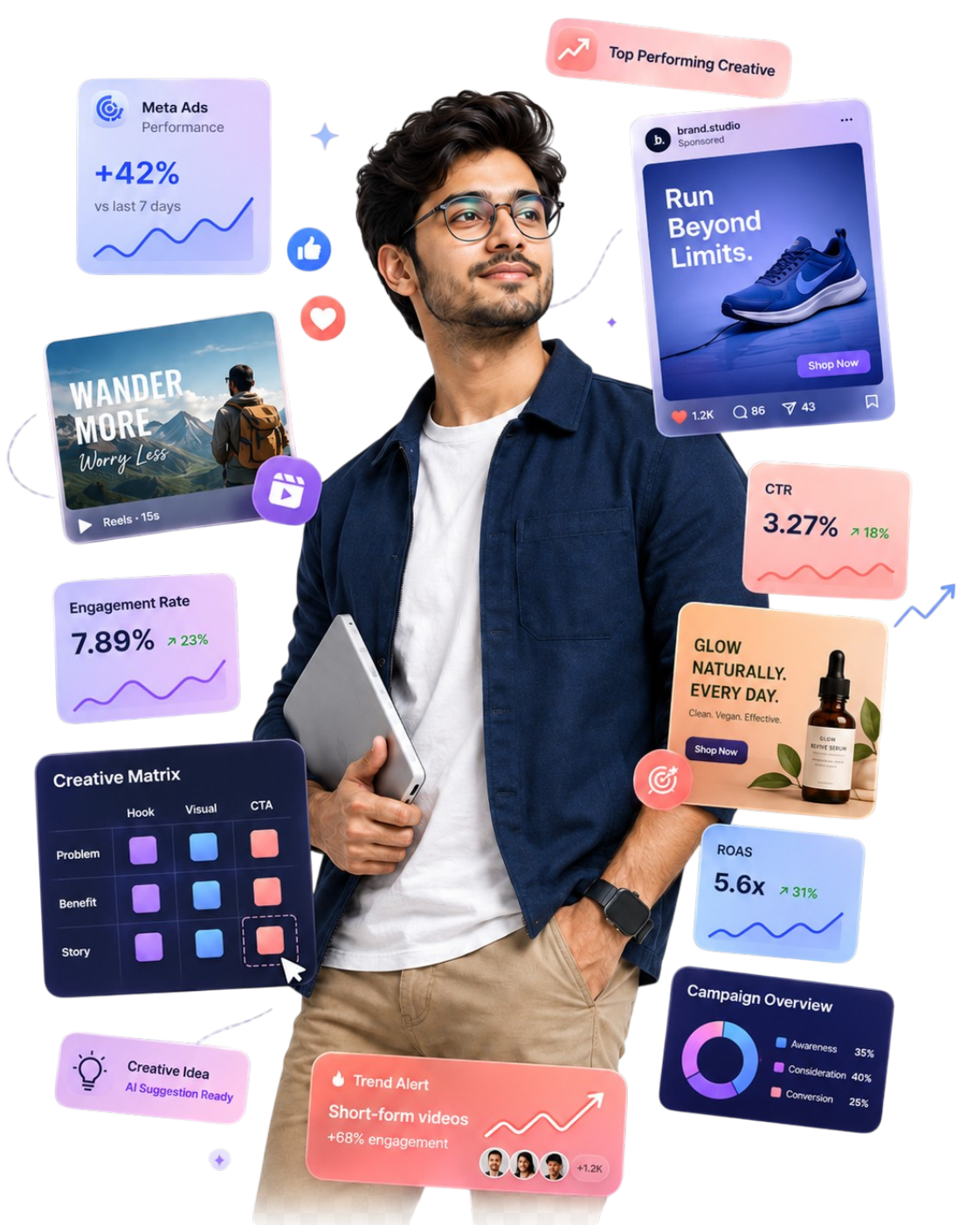
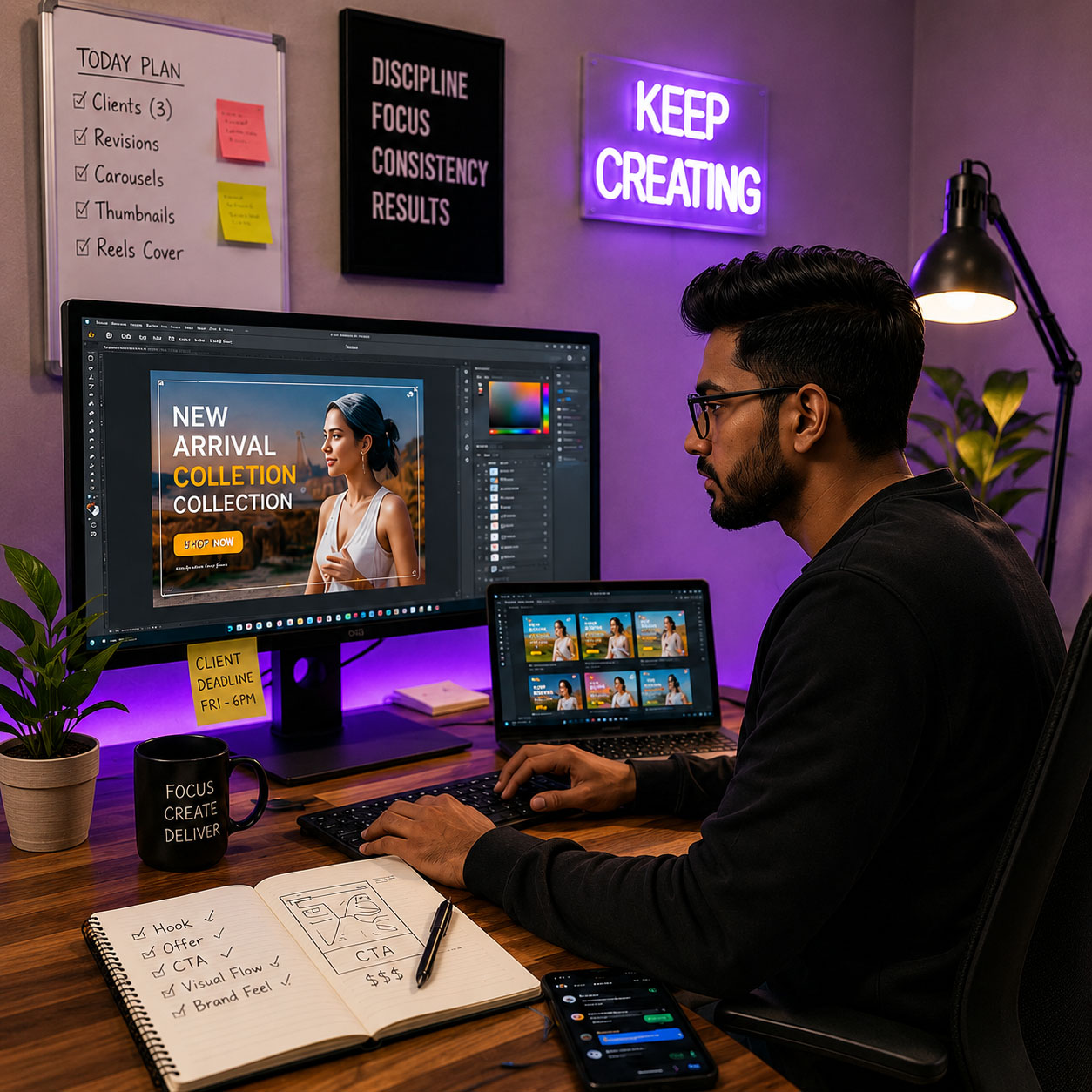
PixiPro Academy portfolio-ready social media creative preview
Before → After Outcome Average template look se client-ready visual direction tak
01. Design Control Photoshop basics, hierarchy, layout, finishing
02. AI Speed AI-assisted ideas, assets, background and workflow
03. Market Output Ads, posts, covers, carousels and campaign visuals
Who this is for?

Aap design seekh rahe ho,
ya sirf tools try kar rahe ho?

Har beginner ke paas aaj YouTube, Canva, AI aur Photoshop ka access hai. Phir bhi output average lagta hai kyunki missing cheez tool nahi - visual hierarchy, market message, finishing aur portfolio direction hai.

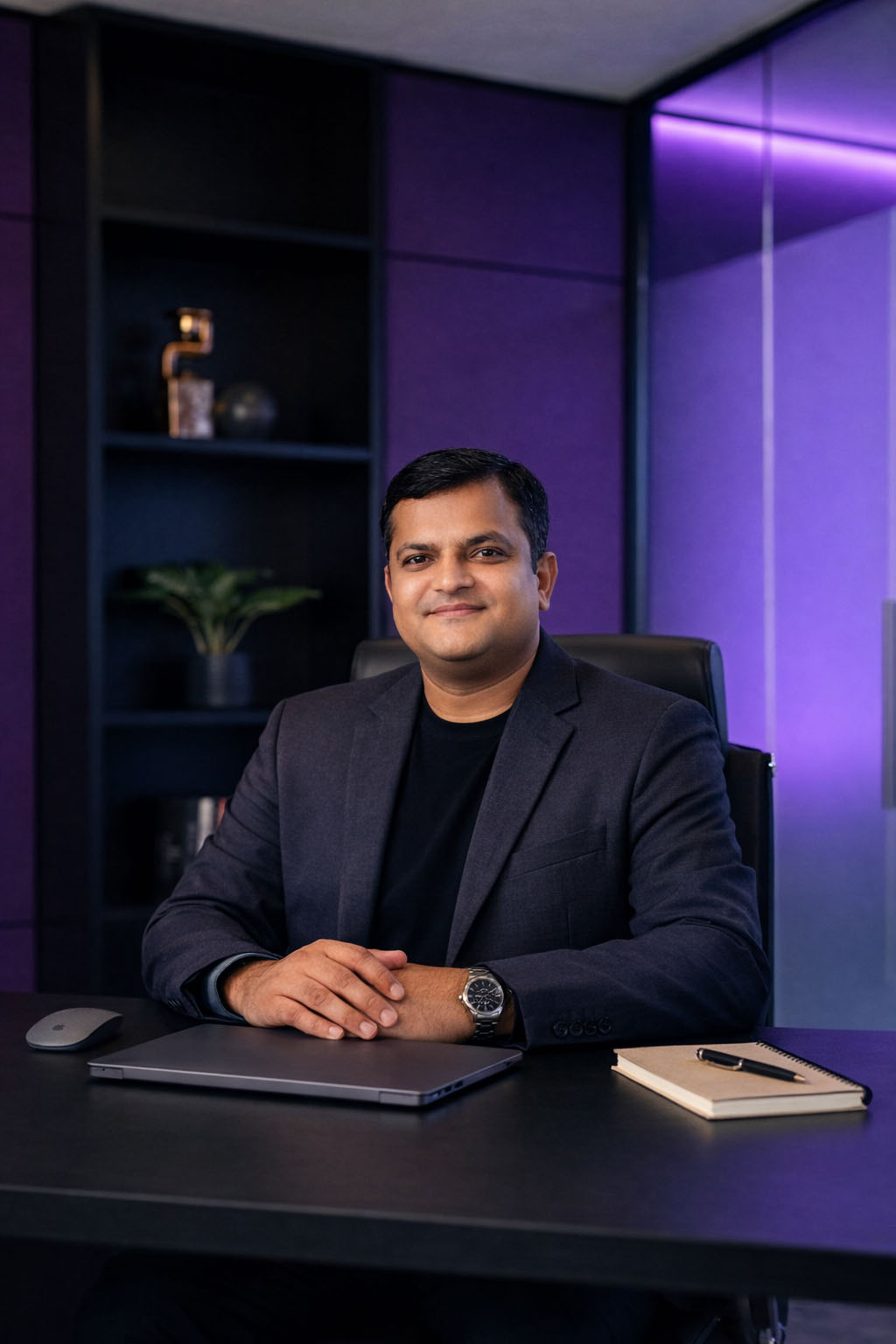
Manoj - Mentor at PixiPro Academy
For Students / Freshers

Career start karna hai, par dikhane layak creative proof nahi hai?

Degree, basic course ya YouTube learning enough nahi hoti jab tak aapke paas portfolio-ready samples nahi hote. Yahan aap random practice nahi, usable creative output build karte ho.

Portfolio gap Direction missing Beginner confusion Skill proof weak
Manoj - Mentor at PixiPro Academy
For Freelancers / SMM / Creators

Work mil raha hai, par output premium/client-ready feel nahi ho raha?

Agar designs me hierarchy, CTA, offer clarity, campaign sense ya Photoshop finishing weak hai, to client low-budget designer samjhega. PixiPro ka focus output ko upgrade karna hai.

Client revisions Template look Premium feel missing Workflow slow
Blunt truth: Photoshop, Canva aur AI tools hain - career proof nahi.

Proof tab banta hai jab aap real-use creatives, campaign samples, portfolio projects aur client-facing visual output create karte ho. PixiPro isi bridge ke liye bana hai.

The Real Problem

Problem Photoshop nahi,
thinking system missing hai.

Aaj tools sabke paas hain - Photoshop, Canva, AI, YouTube tutorials. Phir bhi creative weak lagta hai kyunki learner ko yeh clear nahi hota ki pehle kya dikhana hai, message kaise frame karna hai, CTA kahan rakhna hai, aur final output ko premium kaise banana hai.

01

Visual hierarchy missing hoti hai.

Creative me information hoti hai, lekin user ko pehle kya dekhna hai clear nahi hota. Result: scroll skip, weak attention aur low trust.

No visual order Too much text Weak readability
02

Business message decorative design ke neeche दब jata hai.

Design attractive ho sakta hai, but agar hook, offer, trust point aur CTA clear nahi hai, to creative business ke kaam ka nahi banta.

Weak hook No offer clarity CTA hidden
03

AI output raw hota hai, final creative nahi.

AI idea, image ya background de sakta hai. Lekin final composition, cleanup, text placement, brand feel aur finishing human judgment + Photoshop control se aati hai.

Raw AI asset No cleanup Weak composition
04

Random posts portfolio proof nahi banate.

Learner random creatives banata rehta hai, but unhe campaign set, service sample, portfolio project ya client-facing presentation me package nahi karta.

No project story No service sample Weak proof
Photoshop Control
+
AI Speed
+
Market Thinking
यही combination creative ko “software practice” se “portfolio-ready / client-ready output” me convert karta hai.
Blunt truth: tools seekhne se output automatically premium nahi hota.

Premium output tab aata hai jab tool command ke saath visual thinking, business message, AI workflow aur finishing system clear ho.

Emotional Transformation

Jab creative professional dikhta hai,
confidence automatically badhta hai.

Portfolio proof sirf design samples nahi hota. Ye interview, freelance pitch, client trust aur family ke saamne visible progress ka proof hota hai.

Before Visible Proof

Skill seekh rahe ho, par confidence still weak hai?

Problem ye nahi ki aap try nahi kar rahe. Problem ye hai ki aapke effort ka visible proof abhi structured form me dikh nahi raha.

  • 01
    Interview me kya dikhau? Resume me skill likhna easy hai, lekin practical samples dikhana hard lagta hai.
  • 02
    Client ko kaise convince karu? Jab samples average lagte hain, pricing aur pitching dono weak ho jaate hain.
  • 03
    Family ko progress kaise dikhe? Learning tab serious lagti hai jab output screen par visible ho.
  • 04
    Main beginner hi lag raha hoon? Random practice confidence nahi banati. Organized portfolio proof banata hai.
After Structured Creative Output

Ab aapke paas bolne se pehle dikhane layak proof hota hai.

4X Better visible confidence
Interview Confidence “Maine ye practical creatives banaye hain.”
Freelance Pitch Client ko direct sample proof dikhta hai.
Personal Brand Instagram/LinkedIn par visible creative authority.
Real growth tab hoti hai jab learning visible output me convert hoti hai.

PixiPro ka focus motivation dena nahi hai. Focus hai aapko structured creative projects, portfolio samples aur client-facing visual confidence tak le jana.

Business Need = Creative Opportunity

Har business ko content chahiye.
Par har business designer hire nahi kar sakta.

Doctors, salons, coaches, restaurants, schools, real estate brokers aur creators - sabko social media par visible rehna hai. Lekin inke paas daily professional creatives banane ka time, system ya in-house designer nahi hota.

Daily Social Media Creative Needs

Doctor / Clinic

Trust, awareness aur patient education ke liye regular visuals chahiye.

Health Tips Trust Posts Reels Covers
🎓

Coaching / School

Admissions, results, parent trust aur course updates ke liye creatives chahiye.

Admission Posts Result Creatives Carousels

Salon / Beauty

Offers, transformations aur service visibility ke liye premium-looking visuals chahiye.

Offer Creatives Before/After Festival Posts
🍽

Restaurant / Cafe

Menu, offers, ambience aur daily footfall push ke liye attractive posts chahiye.

Menu Posts Food Offers Story Creatives

Real Estate

Property highlights, trust, location benefits aur enquiry push ke liye creatives chahiye.

Property Ads Location Posts Lead Creatives

Coach / Consultant

Authority, education, proof aur offer clarity ke liye consistent content visuals chahiye.

Authority Posts Lead Magnets Webinar Ads
Opportunity Bridge

Business owner ko software expert nahi chahiye. Unhe useful creative output chahiye.

Yahi gap beginner learners aur active freelancers ke liye practical opportunity ban sakta hai. Jab aapke paas samples + service package + clear pitch hota hai, tab aap random designer nahi, business problem solver dikhte ho.

01
Skill Photoshop + AI + visual hierarchy + business message clarity.
02
Samples Meta ads, carousels, reels covers, posters aur campaign visuals.
03
Service Package Business ke monthly social media creative needs ko package karo.
04
Client Pitch “Mujhe kaam do” nahi - “ye samples dekhiye” approach.
Example starter creative package Portfolio-ready idea
5 Social Posts
2 Reels Covers
2 Offer Creatives
1 Carousel
1 Meta Ad Creative
1 Campaign Preview
Jab aapke paas samples hote hain, tab “mujhe kaam do” bolna nahi padta.

Aap proof dikha sakte ho. PixiPro ka focus isi proof ko build karna hai - taaki learner ka skill real business use-case se connect ho.

PixiPro Creative Proof System

Random learning nahi -
ek repeatable creative system.

PixiPro me aap sirf tools nahi seekhte. Aap seekhte ho kaise real business need ko samajhkar Photoshop + AI ke saath portfolio-ready social media creatives banana hai.

5-Step Method

Brief se final portfolio proof tak ka clear process.

Beginner ke liye confusion कम, active creator ke liye output quality upgrade.

01
Decode the Brief

Business, audience, offer, pain point aur CTA ko pehle clear karna.

Audience Offer CTA
02
Build the Visual Direction

Hook, hierarchy, layout, mood, typography aur reference style decide karna.

Hook Hierarchy Layout
03
Create Assets With AI

Backgrounds, concepts, variations aur supporting assets ko faster generate karna.

AI Assets Concepts Speed
04
Finish in Photoshop

Composition, cleanup, lighting, text placement, brand feel aur export polish.

Cleanup Polish Export
05
Package as Portfolio Proof

Final creative ko project story, pitch sample aur portfolio-ready format me present karna.

Portfolio Pitch Proof
Creative Operating System

Tool commands ko real-use workflow me convert karo.

1→5 Brief to proof flow
PixiPro Workflow Dashboard
Input Business Need

Clinic offer, coaching admission, salon package, restaurant promo, creator campaign.

Output Portfolio-Ready Creative

Ad, carousel, reels cover, poster, campaign set and pitch-ready sample.

Message Clarity Hook, offer, benefit aur CTA ko structure karna.
Visual Direction Layout, mood, typography aur attention flow decide karna.
Final Polish AI asset + Photoshop finishing se premium output banana.
Beginner Clarity Ab guesswork kam, process clear.
Client-Ready Output Design sirf pretty nahi, useful.
Portfolio Proof Samples ko project story me package karo.
Blunt truth: Photoshop commands ya AI prompts alone enough nahi hain.

Real confidence tab aata hai jab aapke paas repeatable system hota hai - brief samajhna, asset banana, Photoshop me finish karna aur final output ko portfolio proof me package karna.

Portfolio Projects You Will Build

Sirf seekhna nahi -
portfolio me dikhane layak creatives banana.

PixiPro me aap random practice files nahi banate. Aap social media ke real-use projects banate ho jo interview, freelance pitch, client discussion aur personal brand ke liye useful ho sakte hain.

Portfolio tab strong lagta hai jab usme random designs nahi, business-use projects hote hain.

Is section ka goal simple hai: aapko exact visual outputs dikhana jo learner ko career proof aur client proof de sakte hain.

Output Focused
Meta ad creative project sample

Offer + Hook + CTA based AD visual.

Aap seekhte ho kaise business offer ko attention-grabbing Meta ad creative me convert karna hai.

Hook Offer CTA
Business-use output Meta Ad Creative
Carousel post set project sample

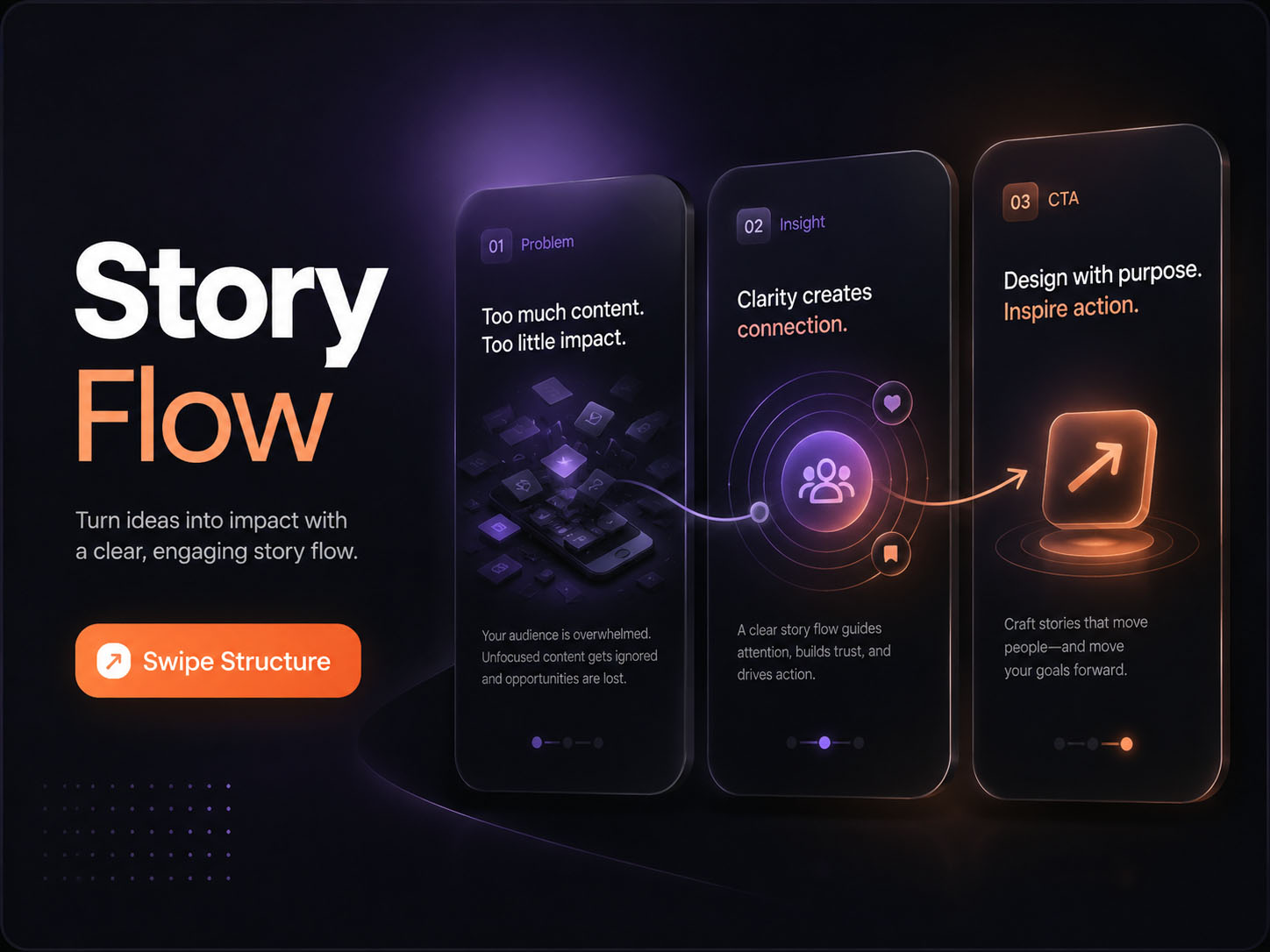
Problem → insight → solution → CTA carousel.

Random slide nahi. Aap structured carousel flow banate ho jo audience ko next step tak le ja sake.

Story Education Engagement
Content sequence Carousel Post Set
Reels cover project sample

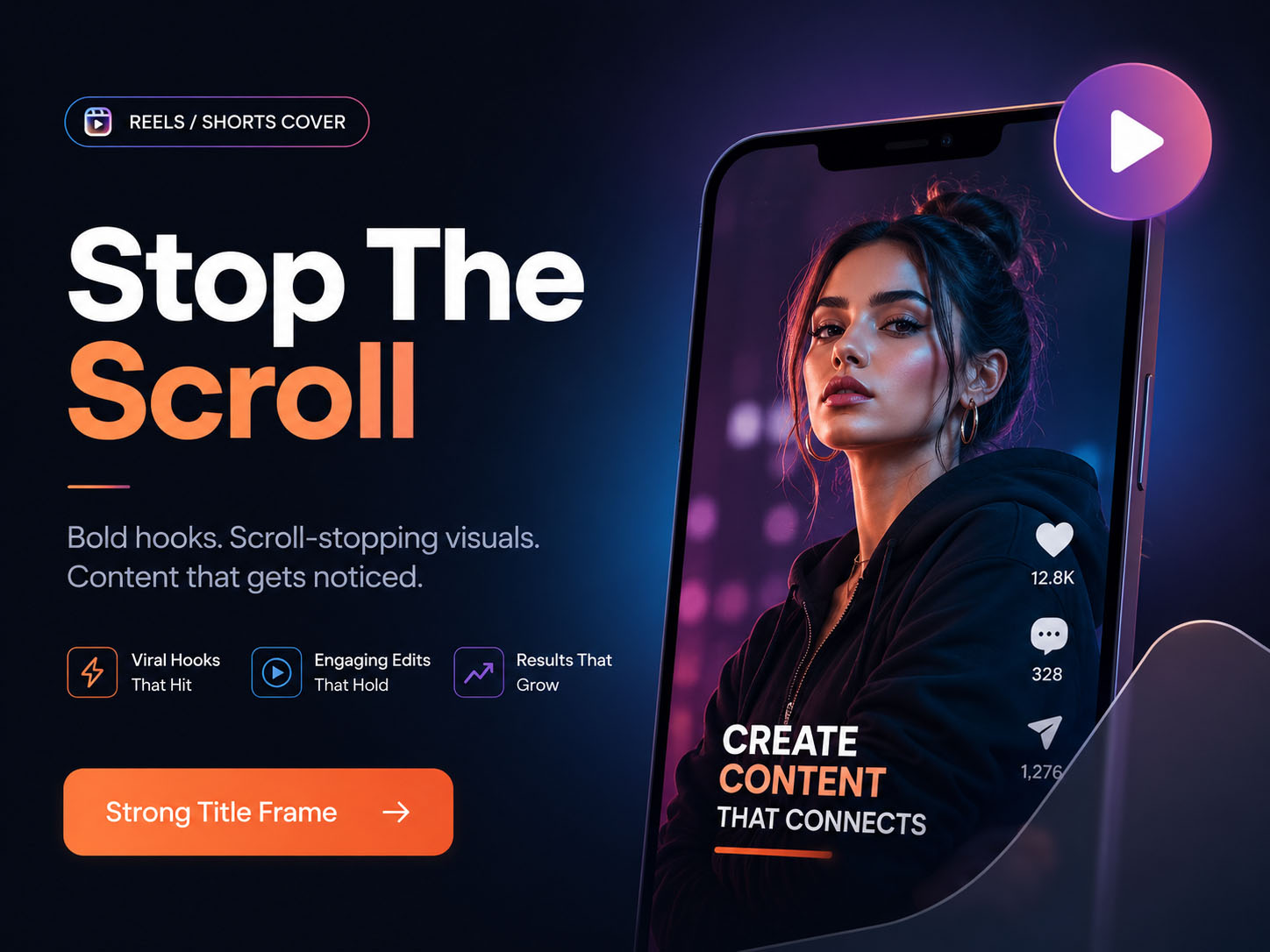
Scroll-stopping title frame.

Feed me visible hone ke liye readable title, contrast, face/value focus aur visual hierarchy build karna.

Title Contrast Attention
Attention frame Reels / Shorts Cover
Festival offer poster project sample

Business promotion and seasonal campaign creative.

Festival, sale, admission, clinic offer ya service promo ko premium-looking poster format me banana.

Promotion Festival Brand Feel
Promotion visual Festival / Offer Poster
Before after creative project sample

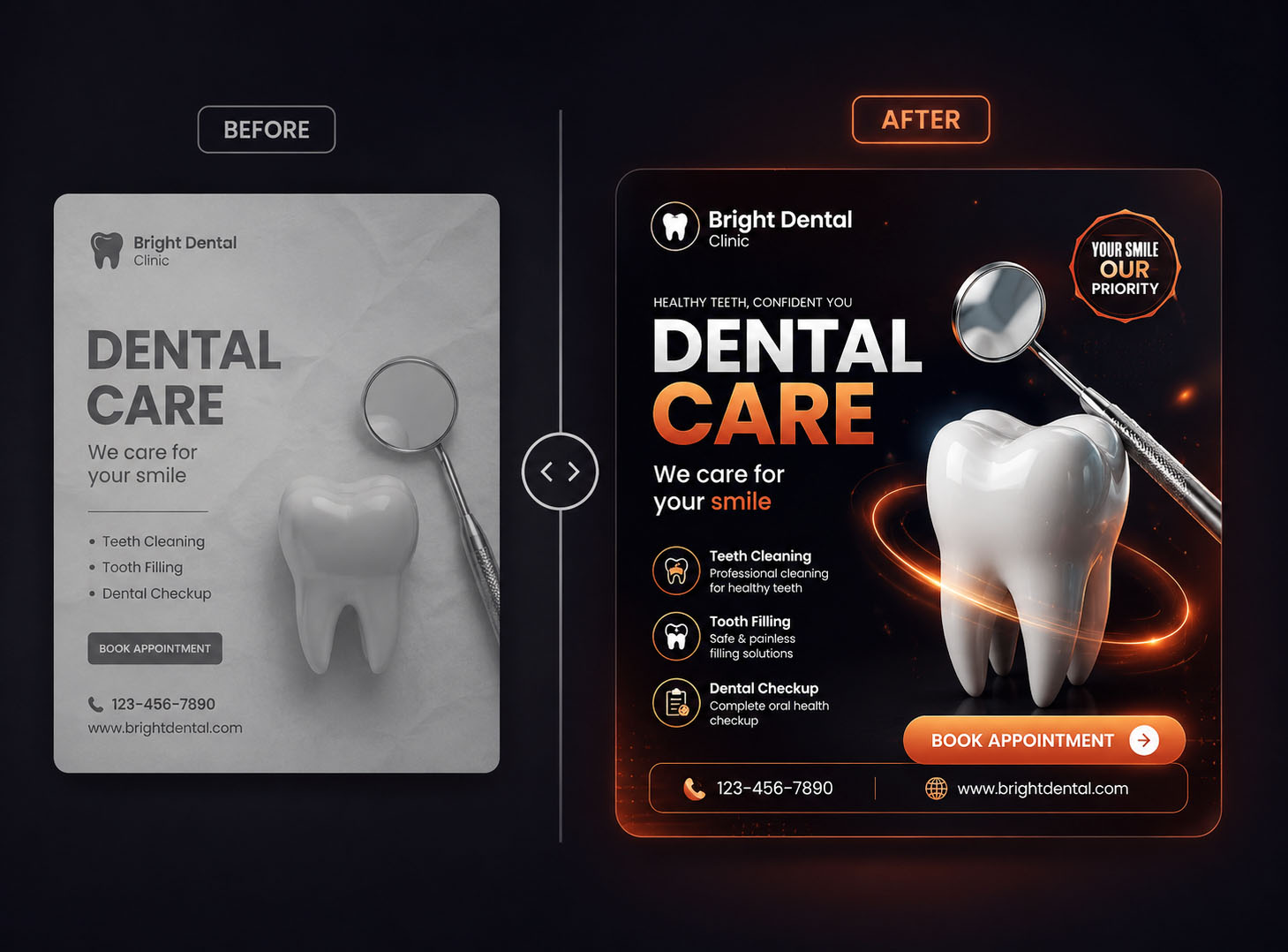
Service transformation or product improvement visual.

Salon, clinic, design audit, product, coaching result ya service improvement ko proof-style visual me dikhana.

Proof Transformation Trust
Proof visual Before-After Creative
Campaign creative set project sample

Multiple assets in one brand direction.

Single design se zyada powerful hota hai consistent campaign set - ye portfolio me professional feel deta hai.

System Consistency Portfolio
Portfolio system Campaign Creative Set
Blunt truth: practice files portfolio proof nahi hote.

Portfolio proof tab banta hai jab aapke projects real business use-case, clear message, visual polish aur presentation story ke saath ready hote hain.

Learning Roadmap

Confused beginner se
portfolio-ready creator tak ka clear roadmap.

PixiPro roadmap random tutorials ka collection nahi hai. Ye ek structured path hai jisme design basics, Photoshop control, AI workflow, social media creative output, business context aur portfolio readiness gradually build hota hai.

Beginner → Portfolio Proof Journey
01
Foundation Clarity

Design basics, layout, typography, hierarchy, color aur spacing.

Pehle visual thinking clear hoti hai. Warna Photoshop tools use karke bhi output random lagta hai.

Emotional shift: Ab design guesswork nahi lagega.
Hierarchy Typography Spacing Color Sense
02
Photoshop Control

Selection, masking, layers, composition, cleanup aur export.

Photoshop ko डरावना software nahi, controlled creative workspace ke form me use karna.

Emotional shift: Photoshop open karte hi डर nahi lagega.
Layers Masking Cleanup Export
03
AI Creative Workflow

Prompting, Firefly, AI image ideas, backgrounds aur visual variations.

AI ko shortcut nahi, creative speed system ke form me use karna.

Emotional shift: AI se replace nahi, AI se faster banna hai.
Prompting Firefly AI Assets Variations
04
Social Media Creative Production

Meta ads, posts, carousels, reels covers, posters aur thumbnails.

Output ko real platform use-case se connect karna, sirf decorative design banana nahi.

Emotional shift: Ab output real-world use-case se connected hoga.
Meta Ads Carousels Reels Covers Posters
05
Business & Growth Context

Niche, content creation, WhatsApp marketing, Meta/Facebook basics aur client-use thinking.

Design ko business goal se connect karna: trust, attention, enquiry, offer clarity, conversion.

Emotional shift: Design sirf pretty nahi, business-useful banega.
Niche Content Client Need Growth Use
06
Portfolio & Freelance Readiness

Portfolio, interview prep, freelance pitching, client communication aur pricing basics.

Final work ko dikhane, explain karne aur pitch karne layak structure me package karna.

Emotional shift: Ab mere paas dikhane aur pitch karne layak structure hoga.
Portfolio Interview Pitch Pricing Basics
Blunt truth: random tutorials se roadmap nahi banta.

Roadmap tab banta hai jab learner ko pata ho ki pehle foundation, phir tool control, phir AI workflow, phir real creative outputs, phir portfolio presentation.

Meet Your Mentor

Learn creative thinking,
not just tools.

PixiPro ka mentor section simple reason se important hai: aapko sirf Photoshop commands nahi, market-ready creative direction chahiye - jisse output portfolio, client pitch aur business use-case me kaam aaye.

Mentor Manoj - PixiPro Academy creative mentor
Mentor Manoj

Practical Creative Mentor

Photoshop + AI + social media creative workflow ko beginner-friendly way me connect karne ka focus.

25+ yrs Photoshop / visual design exposure
Project-first Portfolio output focused teaching
Hinglish Beginner-friendly explanation
Why Learn From Manoj?

Sirf software commands nahi - practical creative direction.

25+ Years creative experience

Manoj ka focus learners ko Photoshop commands ratwana nahi hai. Focus hai samjhana ki social media creative business ke liye kya kaam karta hai: attention, trust, message clarity, CTA aur portfolio proof.

Design sirf सुंदर दिखना nahi hai. Design ka kaam hai attention lana, trust banana, message clear karna aur action drive karna.

- PixiPro creative teaching philosophy
For Students / Freshers Beginner confusion ko portfolio direction me convert karna.

Aapko random tutorial se practical project path tak le jane wali guidance chahiye.

For Freelancers / SMM / Creators Design ko client, campaign, offer aur CTA context me samajhna.

Aapko sirf better-looking design nahi, client-facing creative thinking chahiye.

01
25+ years Photoshop experience Tool familiarity ko practical output direction ke saath connect karta hai.
02
Market-first creative thinking Design ko business message, attention and CTA ke context me dekhta hai.
03
Photoshop + AI workflow AI ko shortcut nahi, speed and ideation support ke roop me use karna.
04
Portfolio-focused projects Final output ko interview, freelance pitch and personal brand ke use-case me package karna.
Mentor message dekhna useful hoga agar aap abhi doubt me ho.

Course join karne se pehle ye samajhna zaroori hai ki PixiPro fake income promise nahi, practical creative output and portfolio proof par focused programme hai.

No guru positioning. No fake guarantee. No overnight success drama.

Ye mentor section sirf ek baat clear karta hai: aap tool commands se zyada practical creative judgement, business message clarity and portfolio direction seekhne aa rahe ho.

Grounded Mentor Trust
Doubt Clearing

Still have doubts?
Let’s clear them honestly.

Course join karne se pehle practical questions aana normal hai - laptop, beginner level, AI, refund, portfolio, time commitment, client work aur support. Yahan direct answers milenge.

Kya ye course complete beginners ke liye hai?

Haan, ye course beginner-friendly hai. Lekin clear expectation ye hai ki practice karni padegi. Ye magic-button course nahi hai jisme bina effort ke result mil jaye.

Kya mujhe Photoshop pehle se aana chahiye?

Basic comfort helpful hai, but compulsory nahi. Roadmap Photoshop control, layers, masking, composition aur social media creative workflow ko step-by-step build karta hai.

Kya mobile se course kar sakta hoon?

Learning videos aap mobile par dekh sakte ho, but actual practice ke liye laptop/desktop strongly recommended hai, because Photoshop workflow mobile par practical nahi hota.

Kya English aani zaroori hai?

Nahi. Course explanation beginner-friendly Hinglish me rahegi, taaki students, freshers aur beginner creators concepts ko easily connect kar sakein.

Kya Canva users ke liye ye useful hai?

Haan, agar aap template-feel se nikal kar Photoshop + AI se more premium, custom aur client-ready social media creatives banana chahte ho.

Kya isme AI tools bhi cover honge?

Haan. AI ko creative speed, ideation, backgrounds, image ideas, asset support aur variation workflow ke form me use karna sikhaya jayega.

Course complete karne ke baad kya bana paunga?

Aap Meta ad creatives, social media posts, carousels, reels covers, offer posters, thumbnails, campaign creatives aur portfolio samples banana practice karenge.

Portfolio-ready output ka matlab kya hai?

Portfolio-ready ka matlab sirf ek achha-looking design nahi. Iska matlab hai: creative ka purpose clear ho, business use-case samajh aaye, message readable ho, CTA visible ho, aur final output ko project story ke form me present kiya ja sake.

Kya is course se guaranteed income hogi?

Nahi. Koi bhi genuine skill course income guarantee nahi kar sakta. Ye programme aapka creative workflow, output quality, portfolio proof aur client-use thinking build karne par focused hai.

Honest expectation: income tab depend karti hai practice, portfolio quality, outreach, communication, consistency aur market demand par.
₹3,999 me exactly kya milta hai?

₹3,999 me structured Photoshop + AI social media creative mastery programme, project direction, portfolio output focus, business-use creative thinking aur beginner-friendly Hinglish guidance milti hai.

Refund/return policy kya hai?

7-day return policy terms ke according aap request kar sakte hain. Final policy, eligibility aur process checkout/payment page par clearly mention hona chahiye.

Agar join karne se pehle doubt hai to kya karun?

WhatsApp par apna doubt ask karein. PixiPro ka objective wrong-fit learner ko forcefully enroll karna nahi hai. Better hai ki aap join karne se pehle clear decision lein.

Doubt clear ho gaya? Ab next step simple hai.

Agar aap practice ke saath portfolio-ready social media creatives banana chahte ho, programme fee section par wapas jaakar enrollment complete kar sakte ho.

App Store Google Play